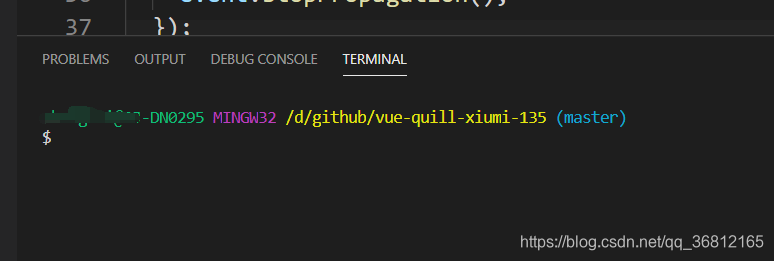
在vscode终端中直接显示git的分支名称
标题
实现下面这种效果
准备工作
安装vscode与git
方法
- 打开vscode首选项
file=>preferencsd=>settings

- 在打开界面里搜索shell
找到terminal=>Integrated=>Shell: Windows

- 选择编辑json
把你的gitbash地址复制上去

注意:vscode里gitbash的路径写入是 \

"terminal.integrated.shell.windows": "C:\\Program Files\\Git\\bin\\bash.exe" // 自己注意改路径
- 重启vscode